19-Retina Support: Unity and Coherence views
We were most interested in how the products performed in enhancing the user experience in Windows. Personally, I like the Windowed environment for virtualization, but so many people use both VMware and Parallels in their Unity and Coherence views, respectively. If you are using a Retina machine, then only Parallels' methodology is usable.

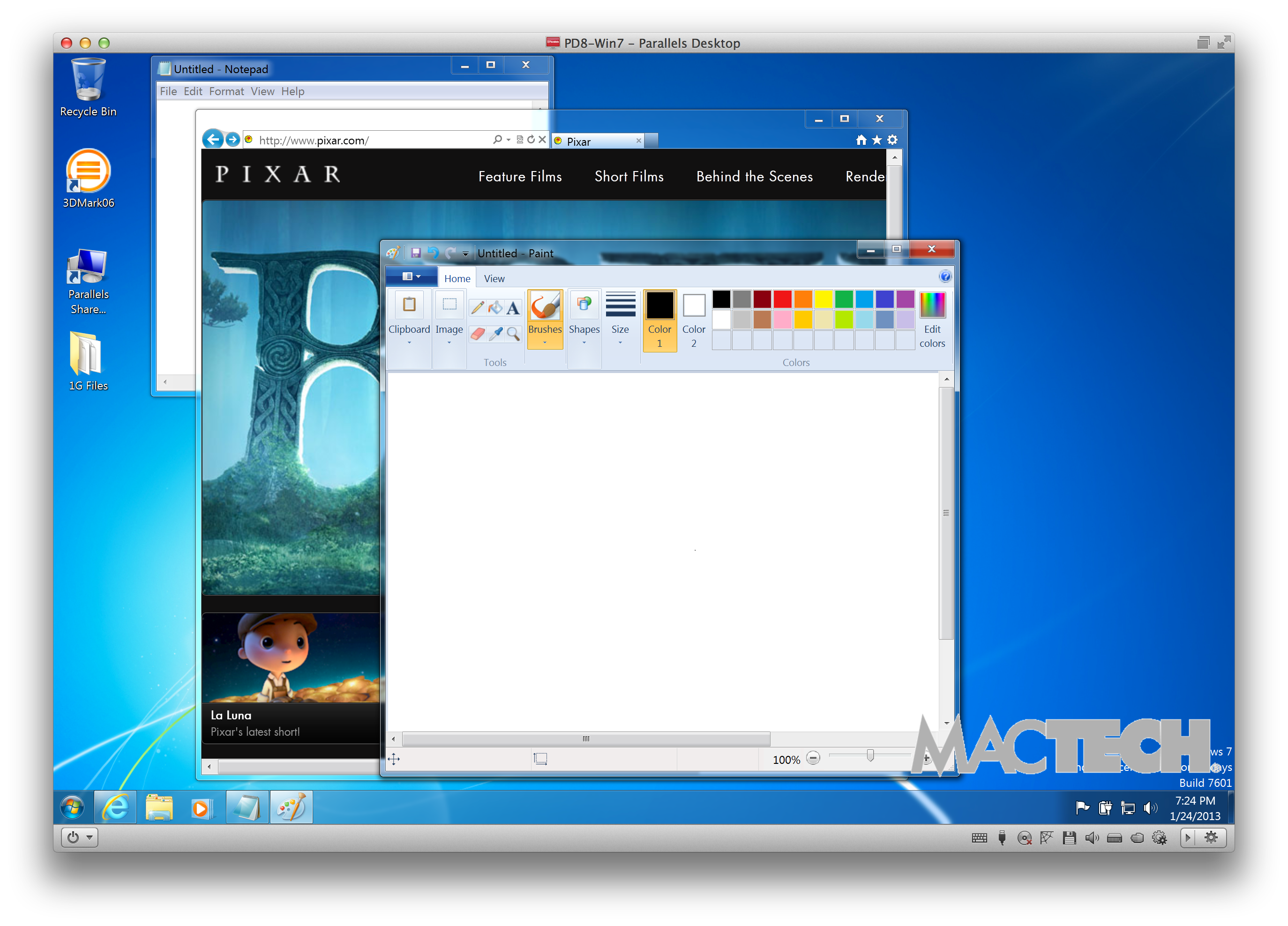
Figure 38: Parallels Desktop: Before Switching to Coherence View
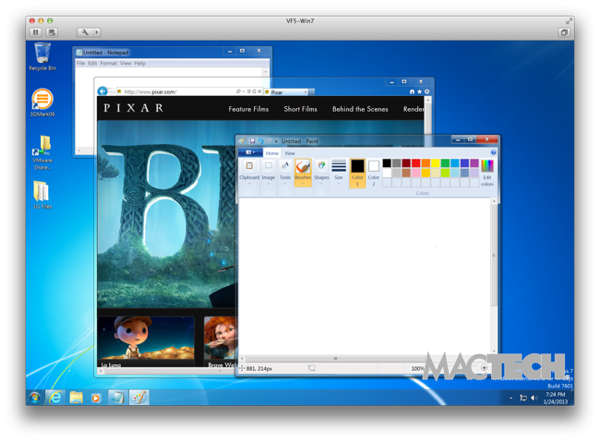
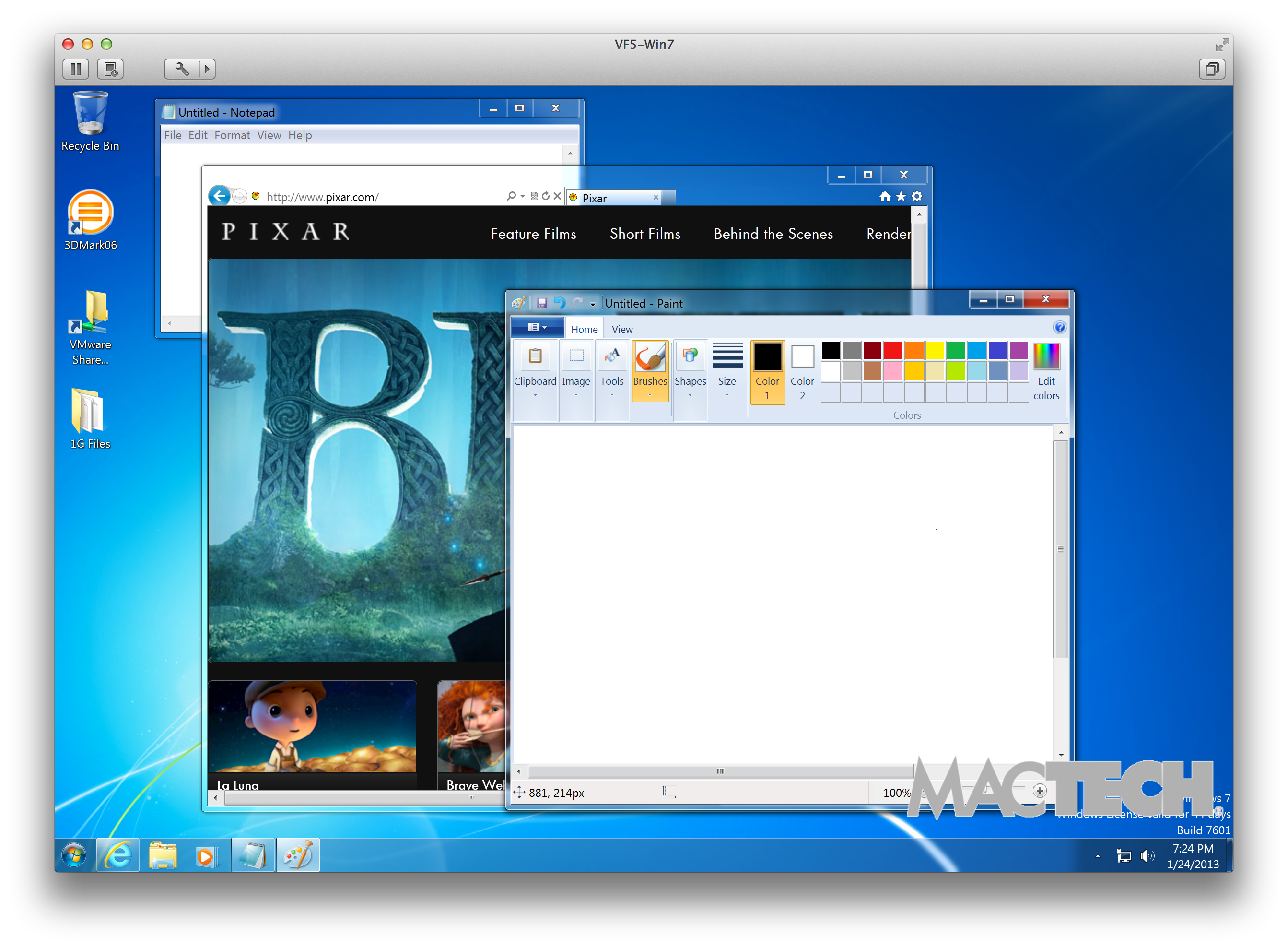
Figure 39: VMware Fusion: Before Switching to Unity View

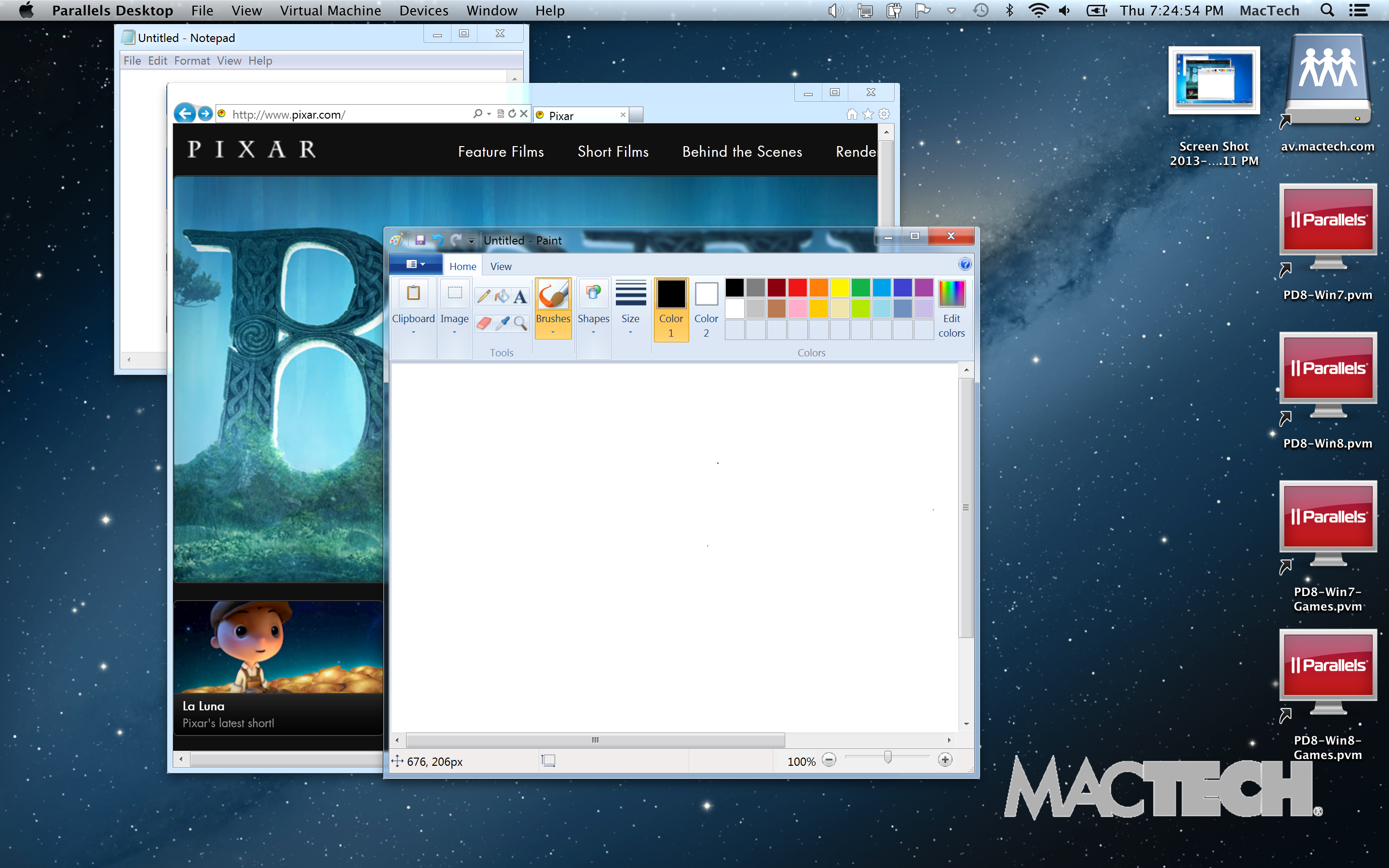
Figure 40: Parallels Desktop: After Switching to Coherence View

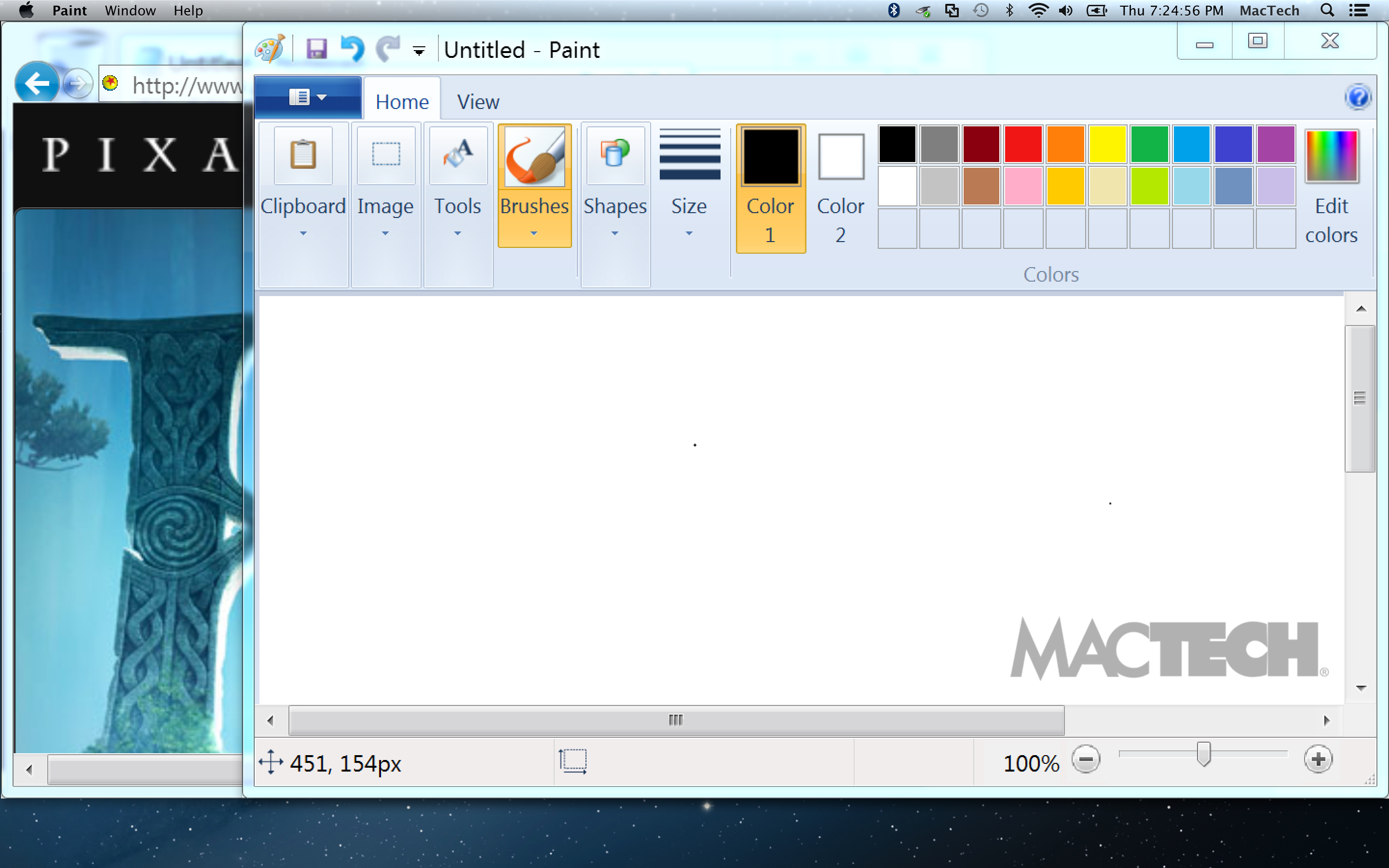
Figure 41: VMware Fusion: After Switching to Unity View
Both products have incredible clarity of text and objects when using Retina support. That said, there is a difference in how much more thorough and easy the support is. Without a doubt, Parallels not only makes the most of Retina support to outshine VMware Fusion, but it also outshines a typical native Windows experience. Trust me when I tell you that, in person, the difference between Retina on Windows and not is even more astounding than for OS X.